Tracetta
Tracetta icon: a dotted cat's head, half traced over in pencil

A light box in your iPad

Lay a sheet of paper on the screen: the picture shines through, and your child traces it with a pencil, on real paper. Tracetta works on iPhone too.

Download on the App Store

CHF 5, with no subscription, no ads and no account.

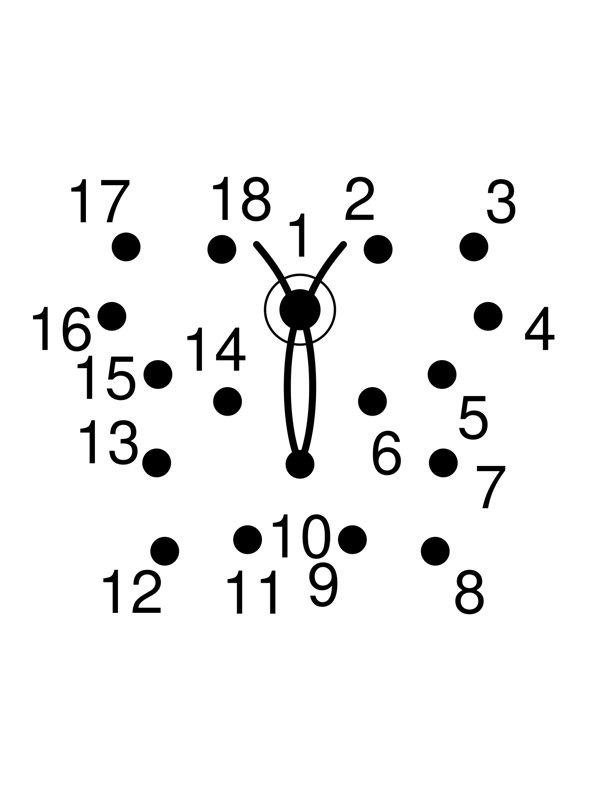
A butterfly to join up across eighteen numbered dots
Dot-to-dot animals
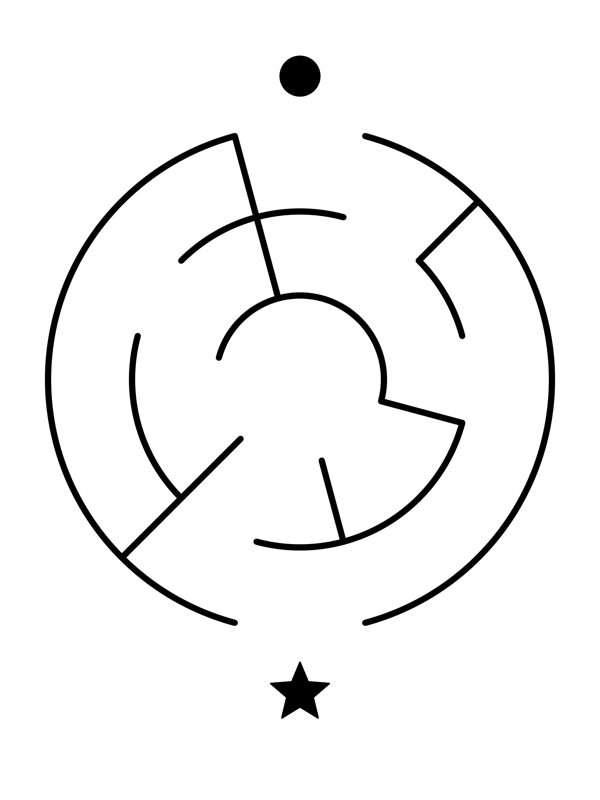
A round maze, with a dot at the start and a star at the finish
Mazes
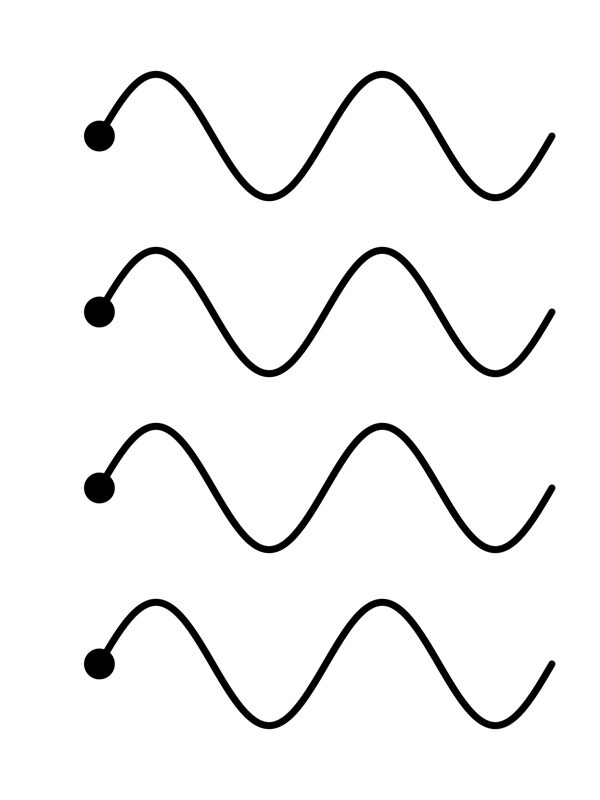
Rows of waves to trace over
Loops and waves

The picture lights up under the paper

Pick a drawing, move it into place with your fingers, and tap Trace. The screen goes to full brightness, stays on and stops responding to touch, so your child can rest their hand on the paper without moving anything. To finish, a grown-up holds the padlock in the top right corner for three seconds, and the app puts the brightness back where it was.

Ready-made drawings, and your own

Tracetta comes with seven cats to trace as a gift, plus three practice sets: dot-to-dot animals, mazes, and loops and waves, each going from easy to hard. Once a maze or a dot-to-dot is done, the app can show the path or the picture that was hiding there.

You can also trace a photo, an image saved in Files, or a colouring page copied from the web. And with no drawing at all, the screen simply lights up a sheet laid on top of it, so your child can copy it onto another.

The right size on iPad

On iPad, choose your paper size from the ones the screen can fit in full: A5 on most models, A6 and A7 on all of them. Orange marks show where to line up the corners, "Fill the sheet" stretches the drawing to the edges, and "Size" tells you how wide it will really be on the paper, in centimetres.

Improve Handwriting In development

With the Improve Handwriting purchase, Tracetta also helps children form their letters: print capitals, Swiss French joined-up script, words from eight everyday themes, and your child's own name. Each letter is learned in four steps: look at it, trace it on the paper, write it from memory right beside it, then compare. A green dot shows where the pencil starts.

Handwriting unlocks for CHF 10, as a single in-app purchase.

For occupational therapists

Tracetta gets the hand working on real paper with a real pencil: the screen only lights the model from underneath, and it ignores every touch during the exercise. The app keeps no score, shows no stars or timer and corrects nothing, so your attention stays on the child's movement.

The pre-writing, dot-to-dot and maze sets go from easy to hard, and on iPad the real size of the model on the paper is shown in centimetres. If you use Tracetta in sessions or are thinking of recommending it to families, write to us at contact@tracetta.com: we read every note.

What Tracetta costs

The app

CHF 5

Tracing, sheet copying, the seven cats and the three practice sets, on iPhone and iPad.

Improve Handwriting In development

CHF 10

A single in-app purchase for letters, words and your child's name.

Prices are set in Swiss francs, and the App Store shows them in your own currency. There is no subscription, no advertising and no account to create. Tracetta needs iOS 17 or later, and speaks English and French.

No data collected

Tracetta has no account, no ads and no analytics. The pictures you trace and the words your child types stay on your device, and none of it ever reaches us. The details are on the Privacy page.